> For the complete documentation index, see [llms.txt](https://gspro.gitbook.io/gspro-knowledge-base/llms.txt). Markdown versions of documentation pages are available by appending `.md` to page URLs; this page is available as [Markdown](https://gspro.gitbook.io/gspro-knowledge-base/tournaments-main-menu/joining-sgt-tournaments.md).
# Joining SGT Tournaments
## Joining a SGT Tournament:
Now that you have created an SGT account and linked your GSPro account to it, let’s go over the steps to join an SGT tournament. (Haven’t created an account yet, follow our guide on how to do so here: [SGT Account](/gspro-knowledge-base/tournaments-main-menu/sgt-account.md))
### Joining a Tournament From GSPro:
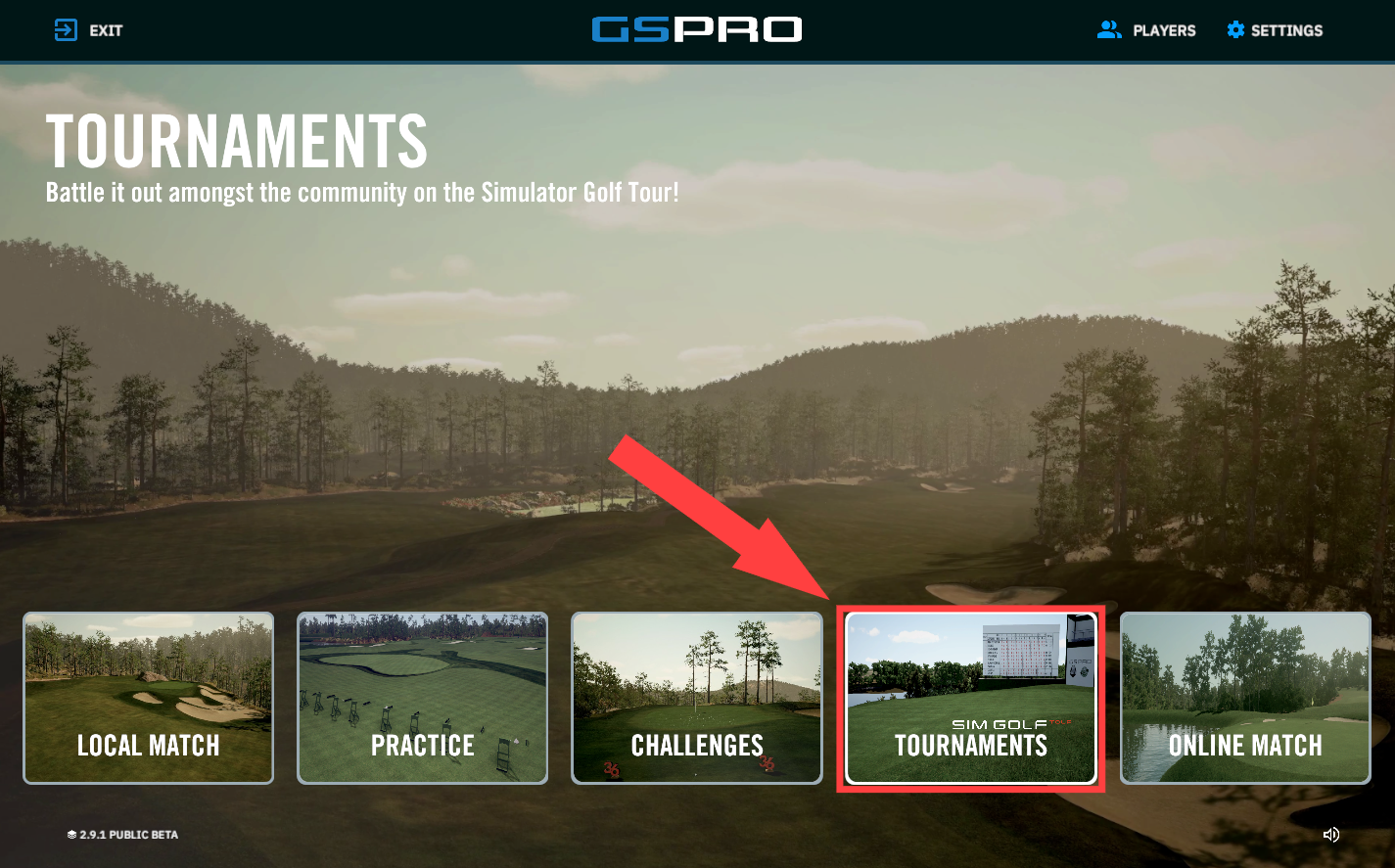
To start, click on “Tournaments” in GSPro. You will click “Sign Up!” in the window that appears below. (You will then be redirected to Simulator Golf Tour’s website)
### Joining a Tournament From SGT Website:
Upon loading their website, you will instantly see a few SGT Tour options: [https://simulatorgolftour.com](https://simulatorgolftour.com/)
### **Which option is best for me:**
Before even picking a specific tournament, you will have a wide amount of categories to choose from. (Web Tour, SGT Tour, Pro Tour, Tips Tour, ect) When choosing from one of these categories, it’s important to look at the tees length, possible restrictions, format, and other possible assistance given in the tournament. Clicking “Learn More” under any tour will show all details pertaining to each tour.
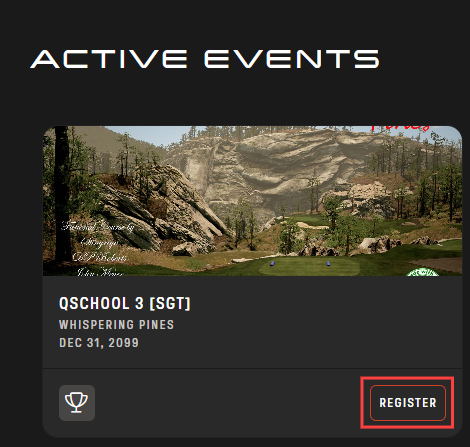
.png) Once you have found the tour you’d wish to take part in, click on it to see if there are any active events open. Active events will allow you to take part by clicking “Register”. (You will not have the option to register if you are not signed in, so be sure to sign into your SGT account: )
### Starting Your Tournament:
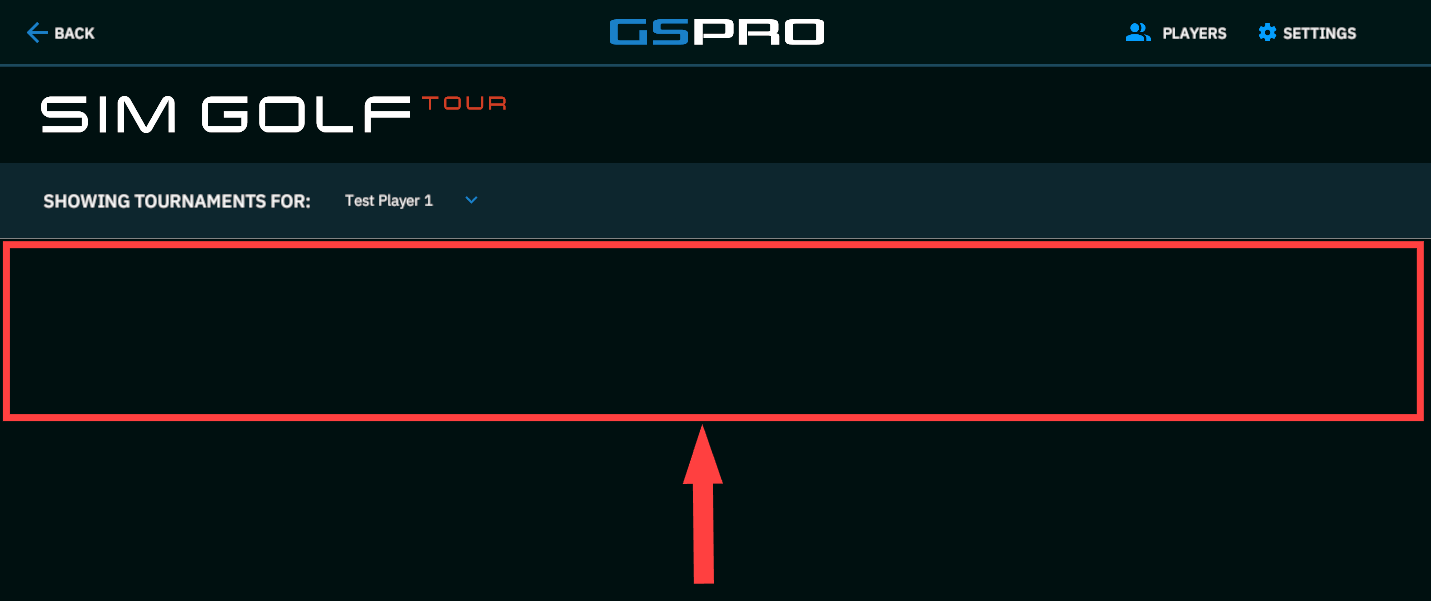
Once you have registered for a tournament, you can then find it in “Tournaments” on GSPro. Some tournaments require pairings or further instructions through a Discord server, so be sure to read the details under any tournament you join before starting. (Tournament isn’t updated in GSPro? Make sure the correct Player is selected under “Show Tournaments For:”)
Once you have found the tour you’d wish to take part in, click on it to see if there are any active events open. Active events will allow you to take part by clicking “Register”. (You will not have the option to register if you are not signed in, so be sure to sign into your SGT account: )
### Starting Your Tournament:
Once you have registered for a tournament, you can then find it in “Tournaments” on GSPro. Some tournaments require pairings or further instructions through a Discord server, so be sure to read the details under any tournament you join before starting. (Tournament isn’t updated in GSPro? Make sure the correct Player is selected under “Show Tournaments For:”)
.png)
.png)