> For the complete documentation index, see [llms.txt](https://gspro.gitbook.io/gspro-knowledge-base/llms.txt). Markdown versions of documentation pages are available by appending `.md` to page URLs; this page is available as [Markdown](https://gspro.gitbook.io/gspro-knowledge-base/challenges-main-menu/distance-challenges.md).
# Distance Challenges
## Distance Challenges:
Similar to “Custom Skills Test”, The Distance Challenges are a local (partially online) practice mode intended to improve your golf game from various distances utilizing each club in your bag.
### Where can I find the Distance Challenges:
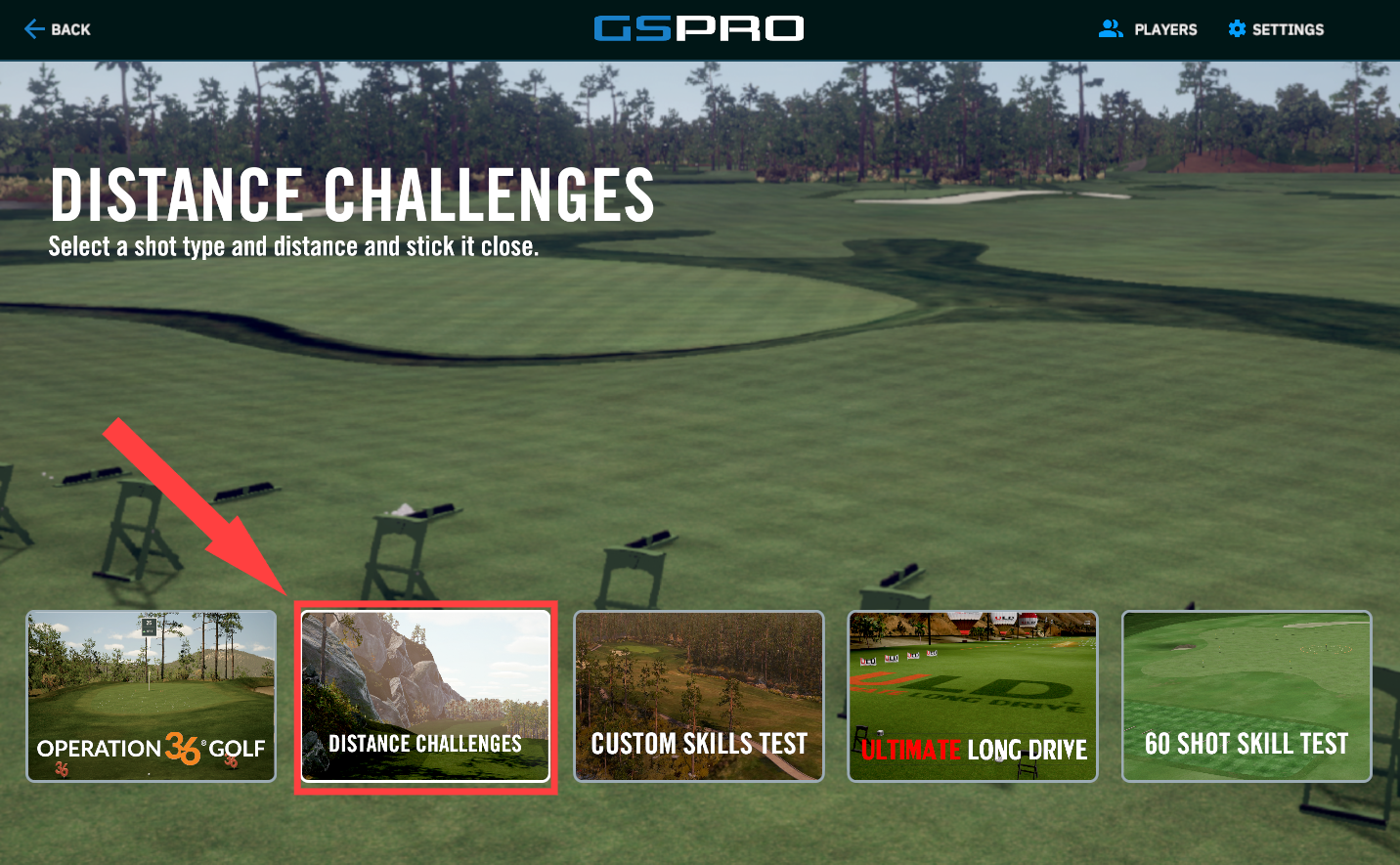
To locate Distance Challenges, click “Challenges” from the Main Menu screen. from the next selection, choose “Distance Challenges”.
### Setup for the Distance Challenge:
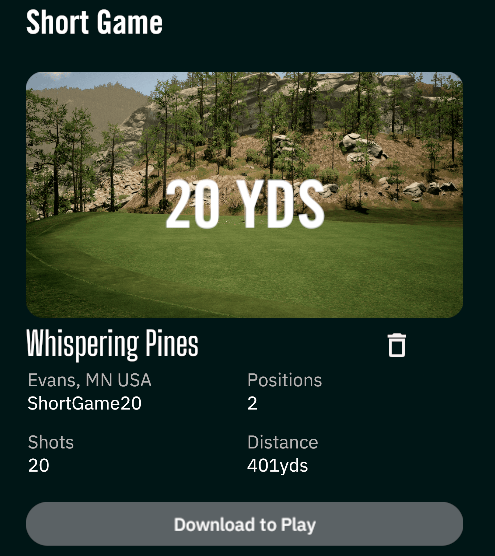
Once you’ve clicked Distance Challenges, you will have 15 separate distance challenges to choose from and play. Each distance challenge is set to a specific distance starting from 10Ft all the way to 250Yds. Download the course if it’s not already downloaded by clicking “Download to Play” under the desired distance challenge. Click “Play Course” to move onto the Player/Match settings.
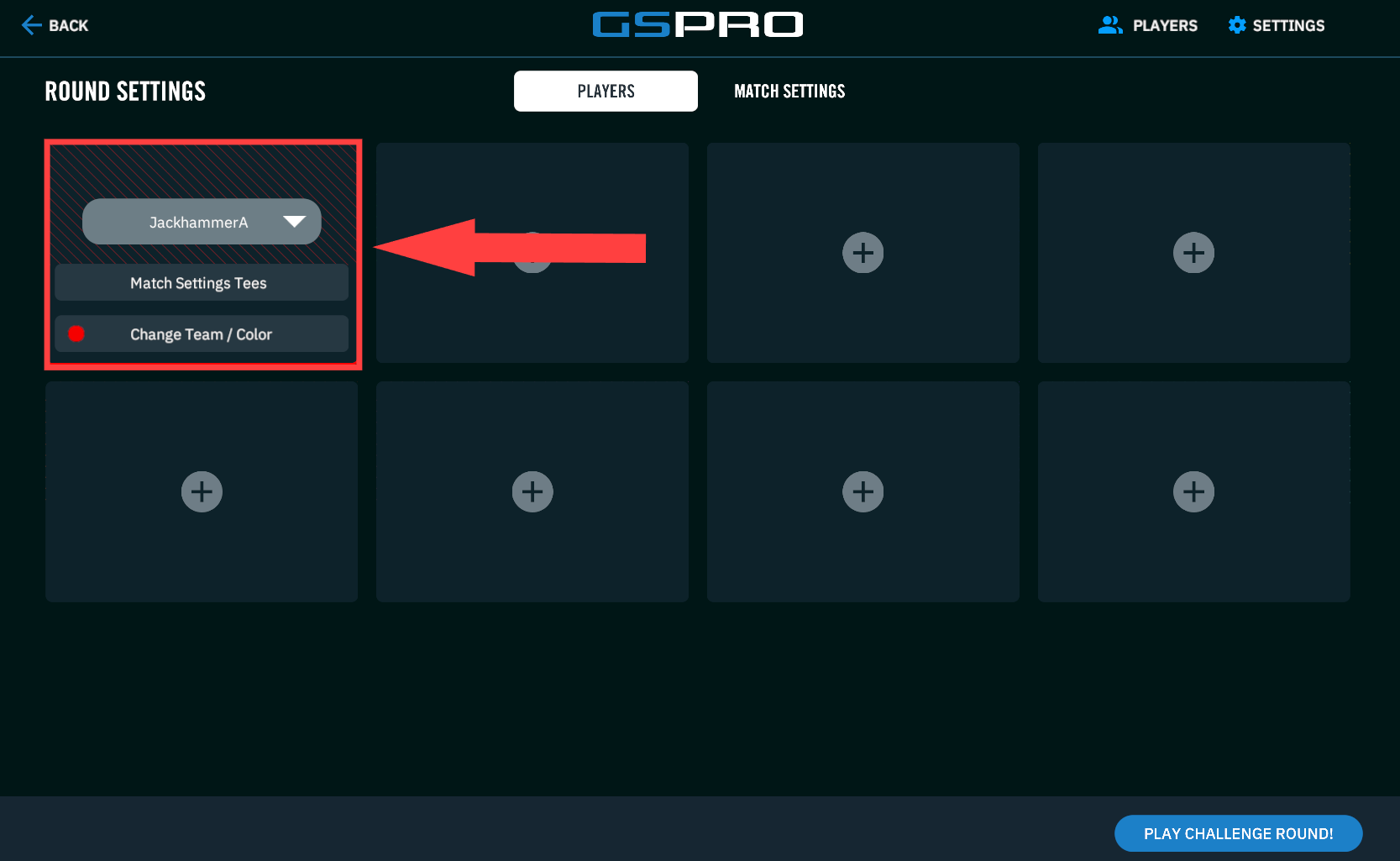
Before starting the challenge, be sure to select the the player/s you’d want the score to be saved to. (The final score will be saved locally and globally attached to that player/s name)
### Distance Challenge Scoring:
The scoring for all Distance Challenges will be the same as [Custom Skills Tests](/gspro-knowledge-base/challenges-main-menu/custom-skills-test.md). The Goal is to get the ball as close to or in the hole. In the top left corner of the screen, you can view your score as the challenge progresses. Below, we’ll go over what each stat represents moving left to right.
1. Shot Count: This number shows the total amount of shots before the distance challenge is over. In the example above, I’ve taken 1/20 shots on the distance challenge.
2. Distance to the pin: This number will tell you how far away you are from the pin.
3. Lie Difference: This number shows the height or lie difference between your ball and the hole. The arrow adjacent to this number lets you know if that lie is above or below you.
4. S.G.: (Strokes Gained) S.G or strokes gained is a metric used to better help you compare your game to your past average scores.
1. The number in the white shows how your latest shot compares to the average of all shots taken on that specific shot. (Example: Shot3/20 Only)
2. The number in the black shows how all of the shots you’ve taken so far in the distance challenge compare to past averages up to the shot you are at currently.
5. CTP: (Closest To the Pin) Your CTP measures how close your ball is to the pin after a shot has been completed.
1. The number in the white shows how far your latest shot taken was from the pin.
2. The number in the black shows the average of all shots taken so far and their distance to the pin.
6. Skill Indicator: This number is a score value assigned to you based on how close you were to the pin. The Distance of the colored rings around the pin change with the distance of the shots. A 1000 skill means the ball made it into the hole. A 900 skill means you landed within the green circle. 800 skill means you landed in the yellow circle, and continues to drop as you move away from the pin.
1. The top number in red is your skill number received for your latest shot taken.
2. The number in black is the total skill number assigned for all of your shots taken so far.
### Leaderboard and comparing scores:
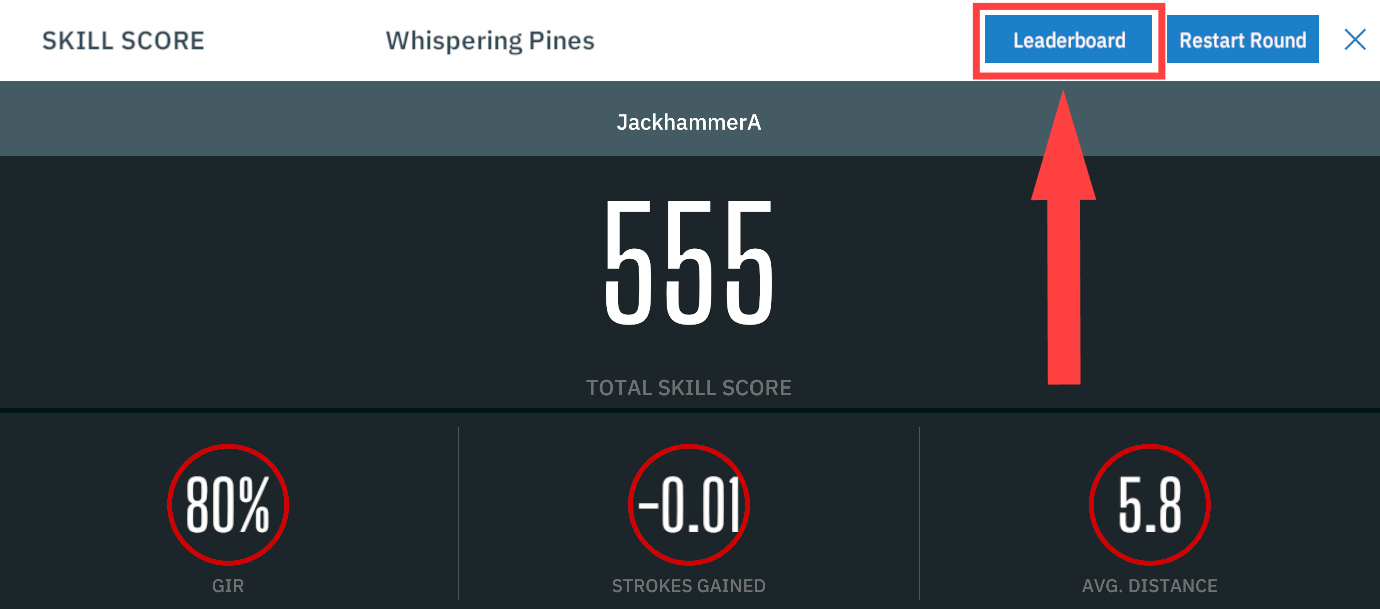
Just like Custom Skill Tests, all finished scores for distance challenges are reported to a local and global leaderboard. This leaderboard can be found at the end of your distance challenge above your end score, or you can view the leaderboards during the round by pressing “T” on your keyboard. (Keyboard shortcut for scorecard/scoreboard)
.png)
.png)